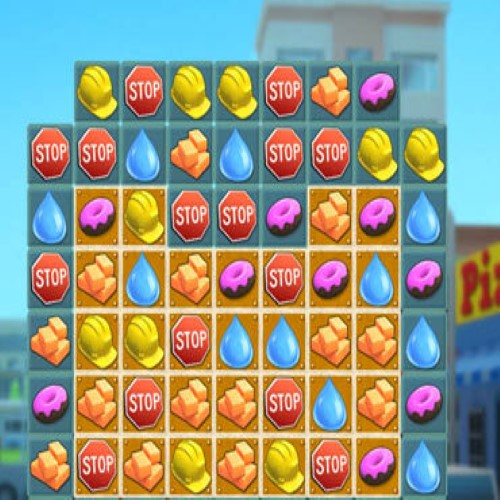

My Downtown Match 3
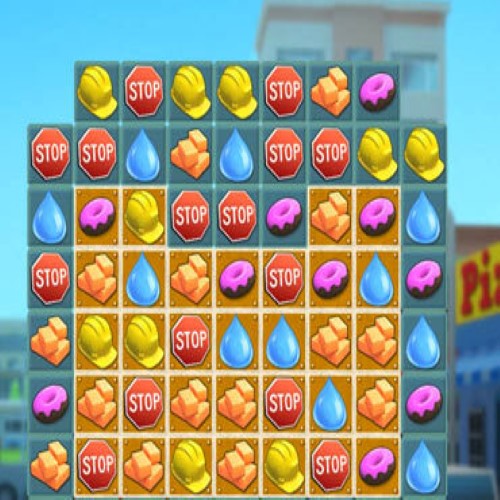
Here’s a brief overview of My Downtown (also seen as My Downtown Match 3):
🎮 Game Overview
- My Downtown is a puzzle‑city‑builder hybrid where you complete match‑3 levels and use the rewards to build and customize a town. (GameTop.com)
- It includes 100+ match‑3 levels and lets you place buildings, parks, and customize modular cells of your city. (Steam Store)
- Platforms: Windows PC, Mac, and also on consoles (e.g., Nintendo Switch) and mobile versions. (GoNintendo)
🧩 Key Features
- Classic match‑3 gameplay: swap tiles, match three or more, use power‑ups. (Steam Store)
- City building and customization: As you progress, you unlock and place various building types and modules to create your downtown area. (GameTop.com)
- Multiple play modes: Some levels are timed, some are limited moves, and some untimed to give diverse pace. (GameTop.com)
✅ Why It Might Be Worth Playing
- If you enjoy match‑3 puzzles and also like building and designing a town, this game blends both.
- The modular city cells give you some freedom in how your city looks, so it’s more than just solving tiles.
- Suitable for casual play sessions—good for relaxing while still having goals.
⚠️ Things to Keep in Mind
- Despite the building element, the match‑3 mechanics are fairly standard; the novelty comes more from the combination than radically new puzzle mechanics.
- The city‑building portion may be lighter than dedicated town‑sim games—if you’re looking for deep simulation it may feel simpler.
- If you’re playing on Mac or newer operating systems, ensure compatibility (especially for older versions). For example, one Mac listing required Rosetta 2. (MacGameStore)